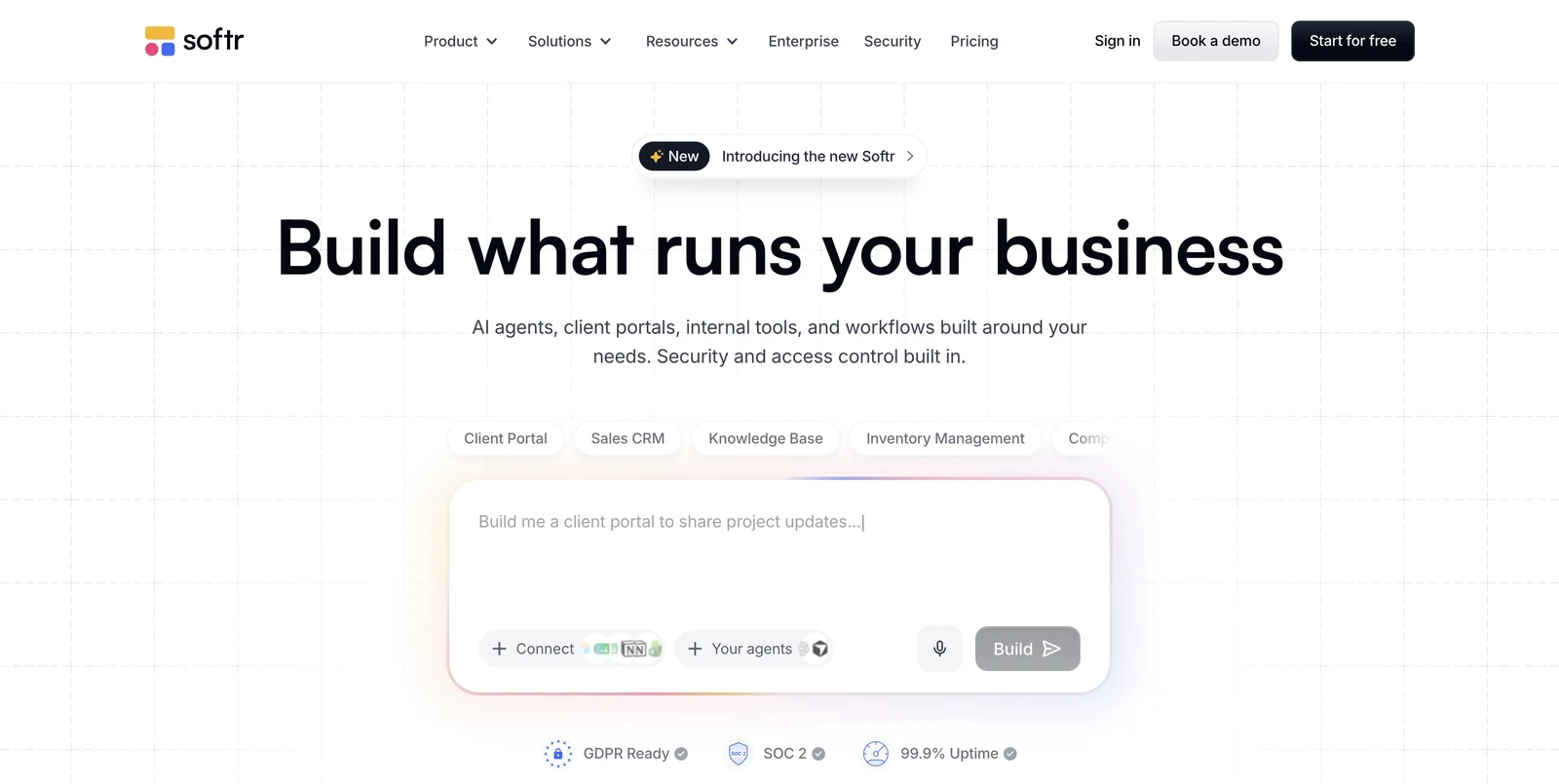
A job portal often needs different experiences for the people who browse vacancies and the people who maintain them. Softr provides visual building blocks for lists, detail pages, forms and user areas, allowing those experiences to be assembled around structured data. Connected sources such as Airtable can hold the job records. The public interface presents selected information through pages with search and filtering, while forms provide a route for collecting new content. The operator defines which fields matter to the audience and how the records relate to employers or other parts of the service. That makes data planning an important step before arranging the page blocks.
User access controls add another dimension to the design. A project can include member areas or employer-facing pages, depending on the permissions and workflows configured. This is useful when a board needs more than a public catalogue, such as a space where particular users see information associated with their role in the service.
The relationship between pages and permissions deserves particular attention in this kind of project. A public vacancy description, an employer-facing record and an administrative review screen do not need to expose the same information. Softr’s building blocks make it possible to plan those as related interfaces, with the specific access rules defined as part of the application.
Softr is relevant to operators who want to connect an editable interface with an existing data workflow. The site can be developed visually, while the records remain in a connected source or another supported data setup. Careful planning is still needed around submissions, moderation and application handling: each action should have a clear destination, and the information made public should match the access rules the operator intends to apply.