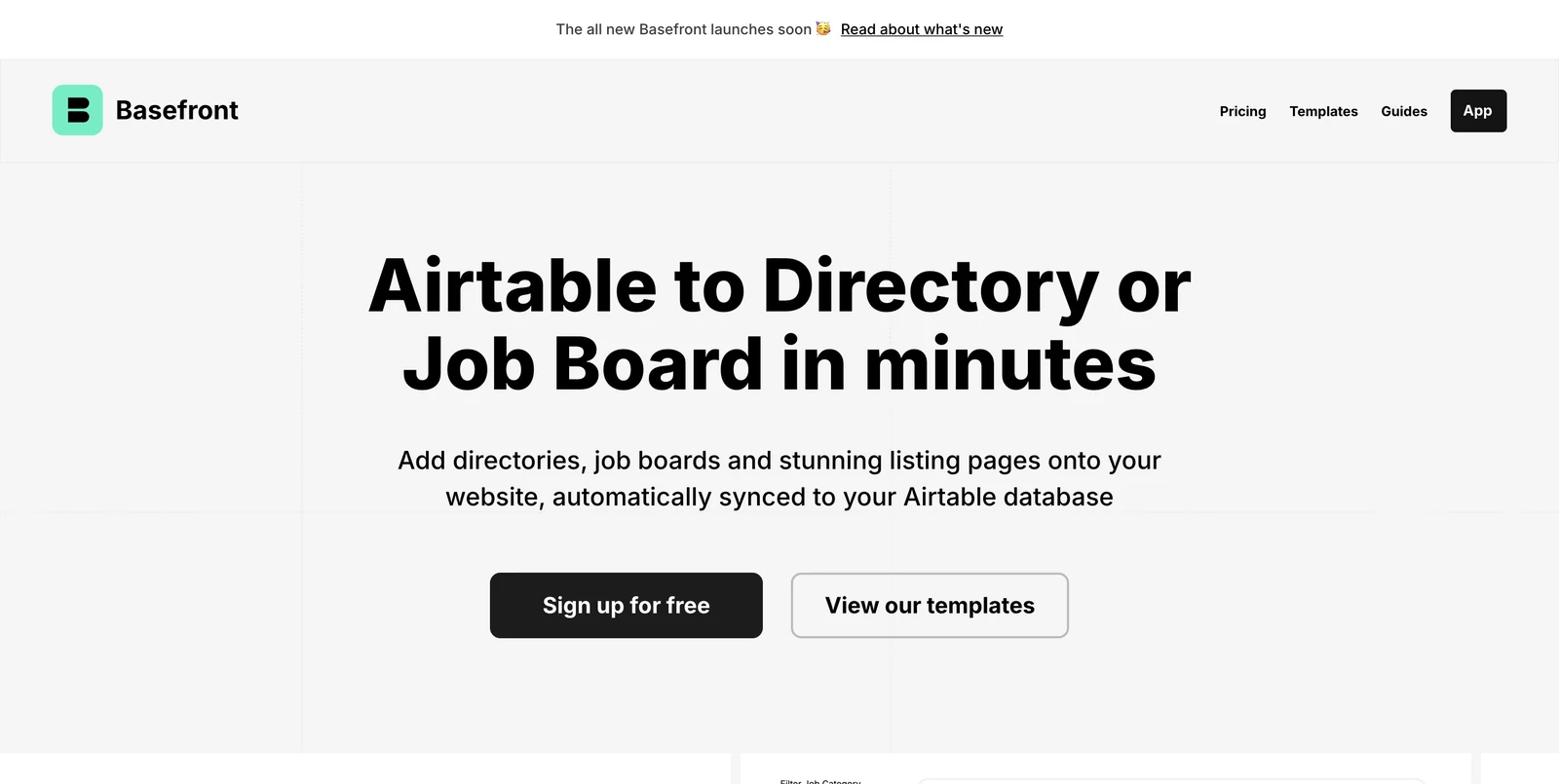
Already managing vacancies in Airtable? Basefront creates searchable, filterable views of those records that can be embedded in another website. The database remains the content workspace, while the embedded view supplies the public interface through which visitors explore the listings.
The operator chooses which fields appear and adjusts the styling to fit the surrounding pages. That makes the relationship between the Airtable structure and the reader’s experience especially important. A well-organised set of locations, job categories and employer names gives the view useful material to display and filter. Airtable synchronisation keeps that presentation connected to the records the team maintains.
Separating the website from the database is also useful for design decisions. The surrounding pages can be changed in the site builder without moving the vacancy records out of Airtable. In turn, editors can work on the listings without needing to redesign the embedded interface. This division suits projects where different people own the content and the website.
This setup is useful when a website already exists and needs a jobs section without a complete redesign. The surrounding site can provide the brand, editorial pages and explanation of the service, with Basefront handling the presentation of the structured catalogue. It can also help a small team keep its publishing process concentrated in the database it already uses. Basefront’s role is the view layer. The operator still needs a clear process for receiving vacancies, reviewing the information and directing applicants to the right destination. Designing that process around the Airtable base helps establish which records should be public and how they stay accurate. For a board built from a curated database, the tool provides a bridge between editorial records and a browsable website.